Another week, another time I am #uncomfortably #excited about the possibilities of artificial intelligence (#AI). I continue to experiment with #GenerativeImageAI, as it is the easiest way to demonstrate the creativity of AI.
Have you used #midjourney? You should! It is an extension of #discord, a free voice, video, and text chat app used by millions of people. Midjourney is a generative artificial intelligence program.
To use Midjourney, you first need to set it up. Once you have done that, you can type a prompt in natural language, such as:
hyper realistic portrait of a pirate, holding up a sign, grizzled beard, monkey on shoulder, weathered skin, eye patch, tricorn hat, dramatic ocean backdrop, sunset, Nikon d850, 85mm lens, f/1.8, intense contrast, vivid colors, shallow depth of field
Midjourney will then generate an image based on your prompt. In this case, the image would be a hyper realistic portrait of a pirate, as described in the prompt. If you upload a portrait of yourself, you can even make the pirate look like you.
I believe that Midjourney is a powerful tool that has the potential to revolutionize the way we create and interact with images. I am excited to see how it is used in the future.
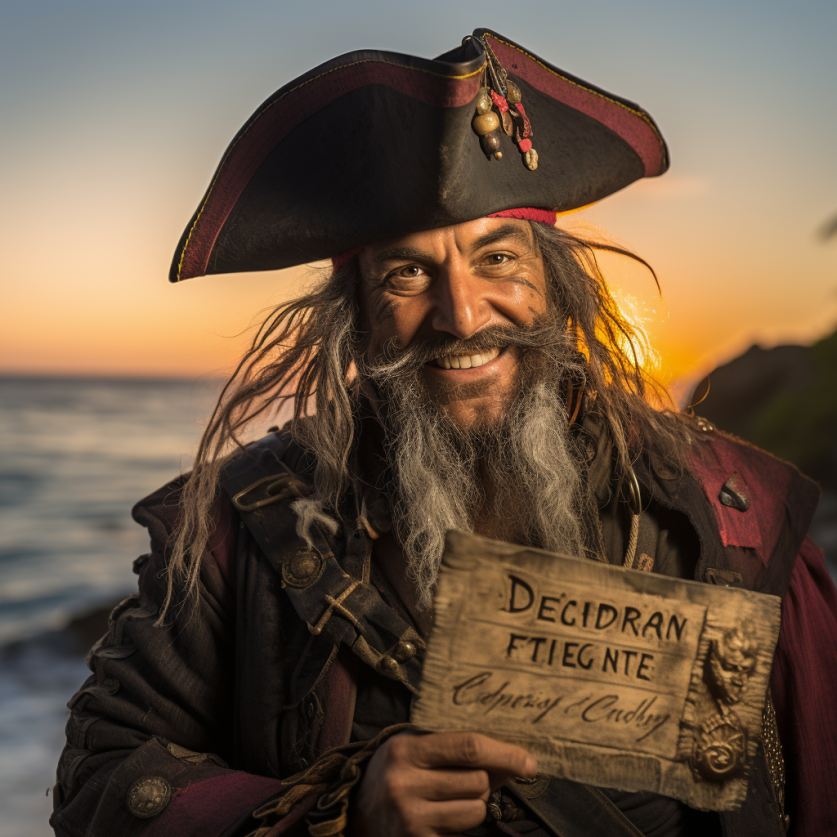
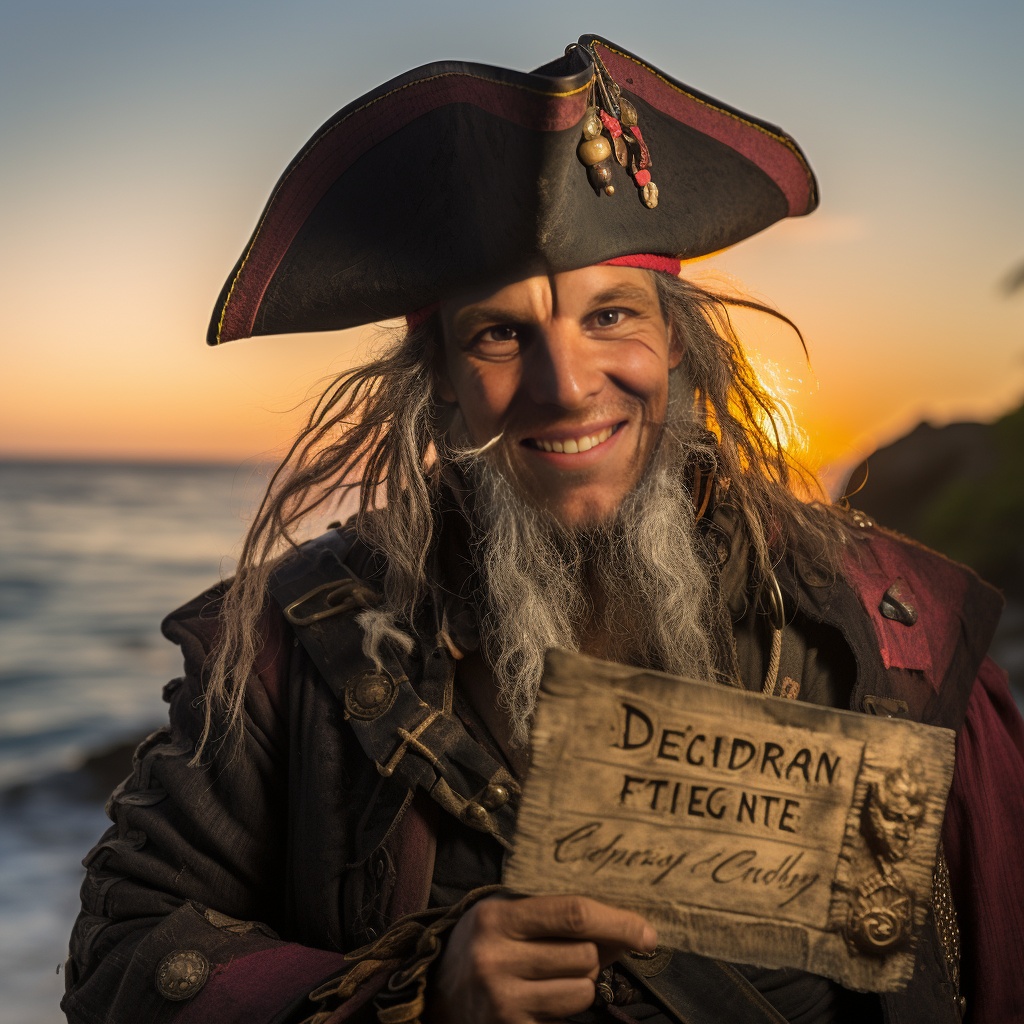
Check out what is possible with Midjourney by following CyberJungle’s YT channel. CyberJungle is just amazing and he shares all his prompts so you can easily generate his amazing images.
If you want to try Discord & Midjourney: I recommend this video.